Terminal Mastery: Essential CLI Tools for Modern Productivity
A practical guide to command-line tools that transform your terminal into a powerful workspace: from fd to ripgrep, lazygit to starship

Mario Mosca
AI Developer with 25 years of experience

Terminal Mastery: Essential CLI Tools for Modern Productivity
The command line represents one of computing's most enduring interfaces, yet many professionals overlook its potential for streamlining complex workflows. While graphical applications dominate modern computing, the terminal offers unmatched efficiency for those willing to explore its capabilities.
The transformation from GUI-dependent workflows to command-line proficiency often begins with a single revelation: executing complex tasks through simple commands that would otherwise require multiple clicks, menus, and context switches.
Essential Categories of CLI Tools
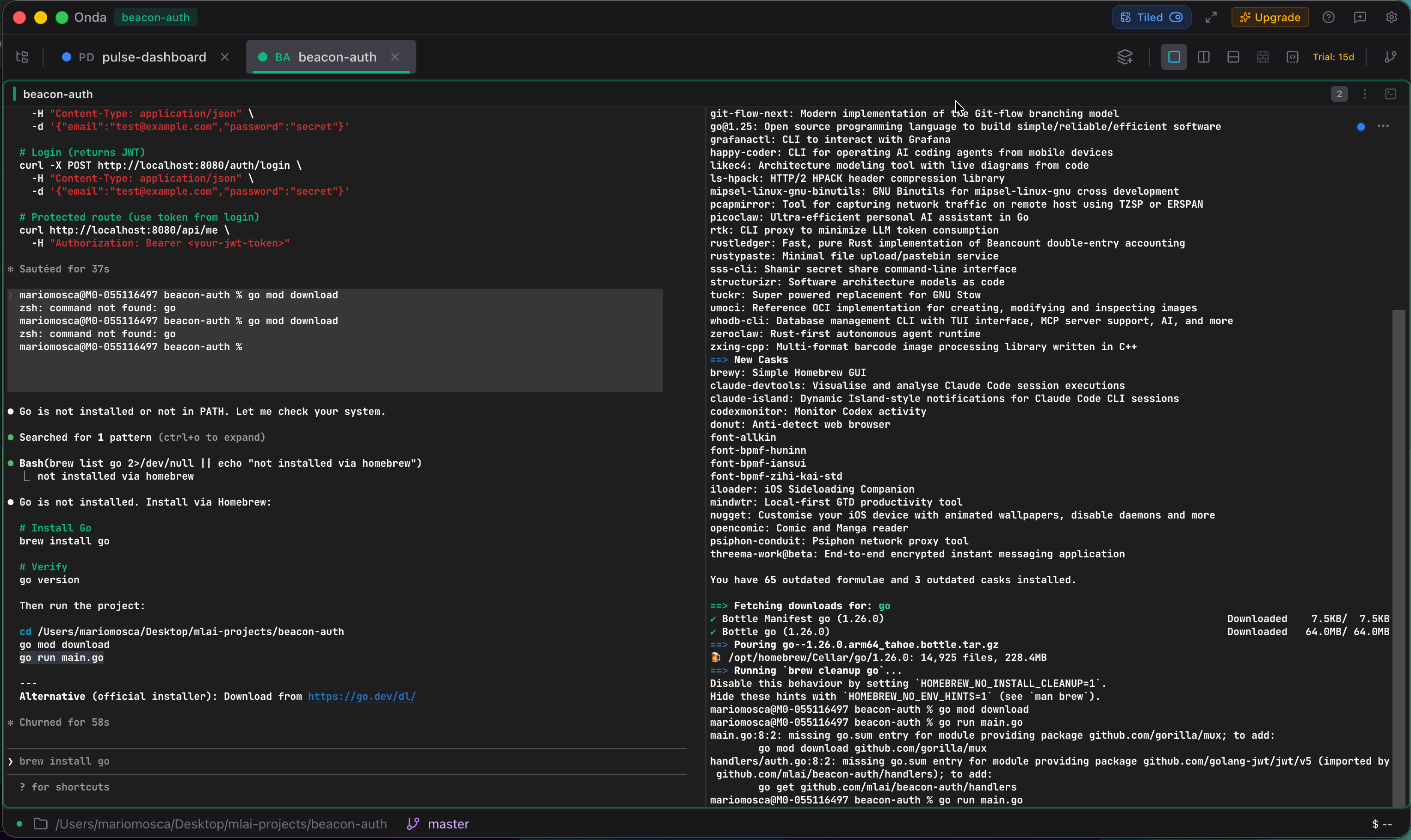
Modern terminal productivity stems from carefully selected tools that enhance specific aspects of daily work. These utilities transform routine tasks into streamlined operations while maintaining the flexibility to handle edge cases that graphical applications often struggle with.
File Discovery and Content Search
Advanced File Navigation:
- fd: Provides intuitive file searching with colored output and automatic
.gitignorerespect - zoxide: Smart directory navigation that learns from usage patterns, enabling rapid project switching
- eza: Enhanced directory listings with git status integration and rich formatting
Content Discovery:
- ripgrep (rg): Lightning-fast text searching across files and directories
- fzf: Interactive fuzzy finder that transforms any list into a searchable interface
These tools excel when working across multiple projects or codebases, where traditional file browsers become cumbersome.
Text Processing and File Management
Enhanced File Viewing:
- bat: Syntax-highlighted file viewing with git integration
- glow: Beautiful markdown rendering directly in the terminal
- yazi: Visual file manager with preview capabilities
Editing Solutions:
- micro: Intuitive editor with familiar keybindings for quick modifications
- helix: Modal editor with multiple selections for complex text manipulation
Data Processing and API Interaction
HTTP and API Tools:
- xh and httpie: Intuitive HTTP clients for API testing and debugging
- jq: Powerful JSON processor for data transformation and extraction
System Insights:
- btop: Resource monitoring with visual interface
- duf: Disk usage visualization with clear formatting
Shell Enhancement and Knowledge Management
Productivity Multipliers:
- starship: Context-aware prompt with git status and environment information
- atuin: Synchronized shell history across multiple machines
- navi: Interactive cheatsheet system for complex commands
- tldr: Practical command examples instead of verbose manual pages
Development Workflow:
- lazygit: Visual git interface for complex repository operations
Configuration Strategies
Effective CLI productivity requires thoughtful configuration that reduces friction without overwhelming complexity. Strategic aliases can eliminate repetitive typing:
# Directory navigation shortcuts
alias ..='cd ..'
alias ...='cd ../..'

# Enhanced listing commands
alias ls="eza --icons always"
alias ll="eza -la --icons always"

# Git workflow acceleration
alias g='git'
alias ga='git add'
alias gc='git commit'
alias gs='git status'
alias gl='git log --oneline --graph --decorate'

# System maintenance
alias reload='source ~/.zshrc'
alias brewup='brew update && brew upgrade && brew cleanup'
The key lies in creating shortcuts for frequently used patterns while avoiding over-abstraction that obscures the underlying commands.
Modern Terminal Applications
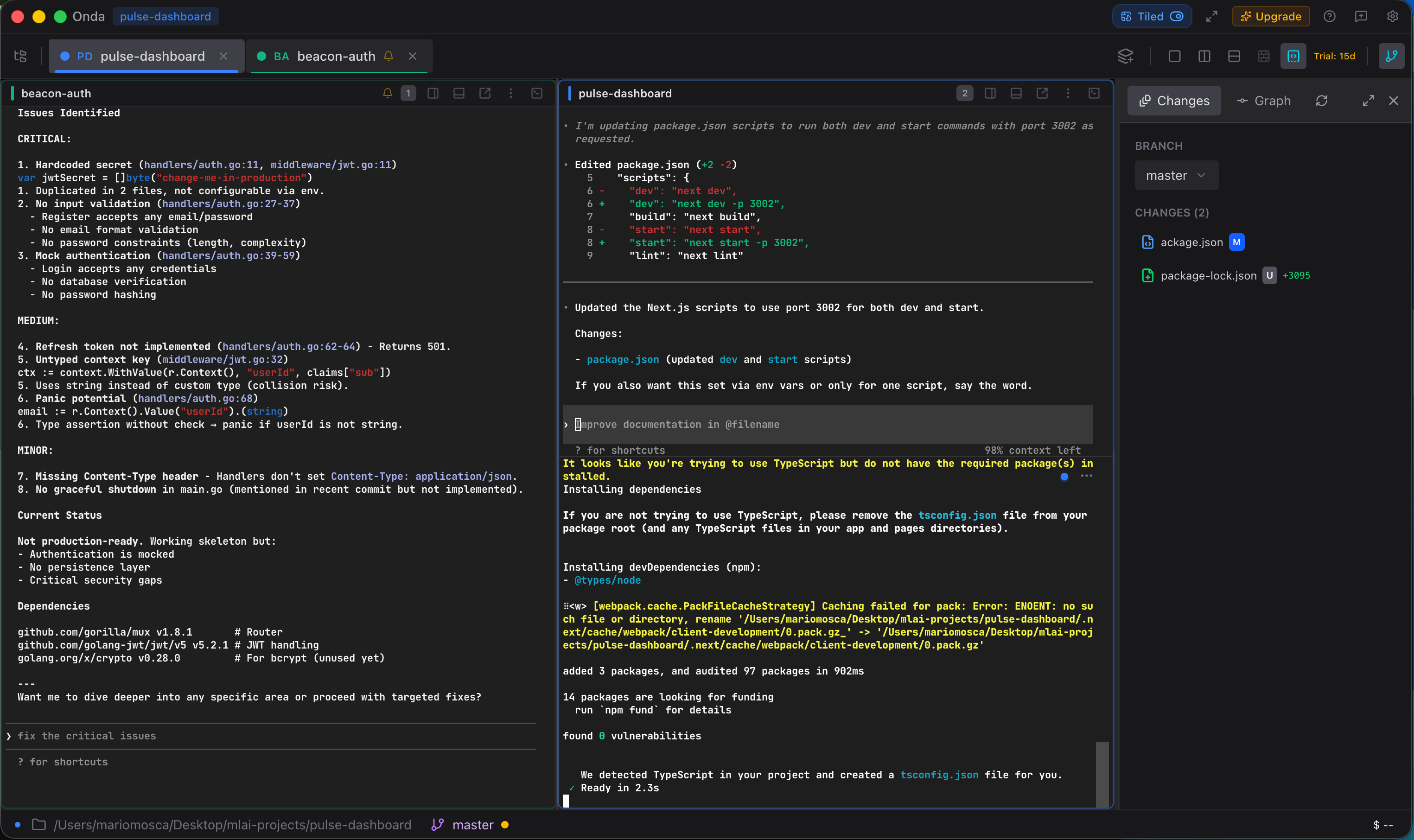
While traditional terminal emulators serve basic needs, modern applications like Onda offer enhanced features such as split panes, workspace management, and AI integration through MCP (Model Context Protocol). These advances bring terminal productivity closer to the sophistication of modern IDEs while maintaining the speed and flexibility that make command-line interfaces valuable.
Implementation Approach
Building terminal proficiency requires gradual adoption rather than wholesale replacement of existing workflows. Starting with core tools like fd, ripgrep, bat, and eza provides immediate benefits while establishing familiarity with command-line patterns.
Progressive enhancement through shell improvements like starship and zoxide builds momentum, while specialized tools for data processing and system monitoring address specific pain points as they arise.
Quick Installation
Most modern CLI tools integrate seamlessly with package managers:
brew install fd ripgrep zoxide \
  eza bat micro helix \
  xh httpie btop duf \
  starship atuin navi \
  yazi tldr lazygit \
  fzf glow jq
If you are building with Codex or Claude Code, a workspace-oriented terminal such as Onda can make the feedback loop feel tighter and easier to manage.
Long-Term Benefits
Terminal proficiency creates compounding advantages that extend beyond immediate productivity gains. The ability to quickly navigate between strategic thinking and technical implementation details becomes particularly valuable in roles that bridge business and technology concerns.
Understanding systems at the command-line level provides insights that inform architectural decisions, debugging strategies, and performance optimization efforts. The terminal's consistent interface across different systems and environments also creates portable skills that remain valuable regardless of specific technology stacks or organizational contexts.
Articoli correlati
Strumenti CLI Essenziali per la Produttivita nel Terminale Moderno
Guida pratica ai tool da riga di comando che trasformano il terminale in un ambiente di lavoro potente: da fd a ripgrep, da lazygit a starship
Produttivita nel Terminale: Funzioni Nascoste e Power Tips per Sviluppatori
Guida pratica per ottimizzare il terminale con configurazione avanzata, gestione pane, shortcut e workflow reali di sviluppo
Sviluppo Potenziato dall'AI: Come i Tool CLI Moderni Trasformano il Workflow
Come Gemini CLI, Claude Code e gli strumenti AI da terminale stanno cambiando il modo in cui sviluppiamo software: dalla generazione codice all'automazione DevOps
Resta aggiornato
Iscriviti alla newsletter per ricevere i nuovi articoli e contenuti esclusivi sulla creazione di progetti AI pronti per l’uso reale.
Niente spam, solo contenuti di qualità. Puoi disiscriverti in qualsiasi momento.